
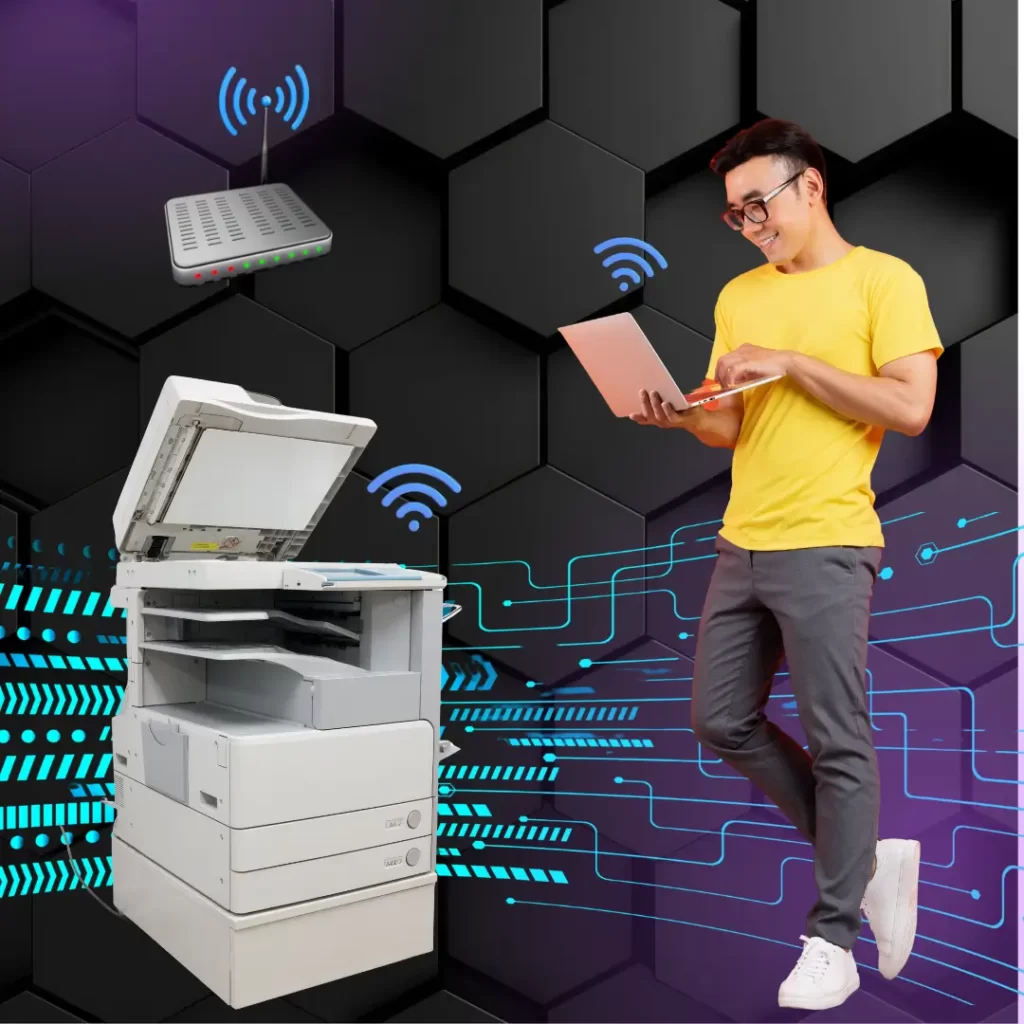
Setting up a new printer can feel straightforward at first. You unbox it, plug it in, follow the on-screen instructions, and expect everything to work. Sometimes it does. Other times, what should be a quick setup turns into hours of troubleshooting, searching forums, and wondering why the printer insists it’s “offline.”
The truth is, whether you should install a printer yourself or get professional help really depends on where and how the printer will be used.
Home Use and Plug-and-Play Printers
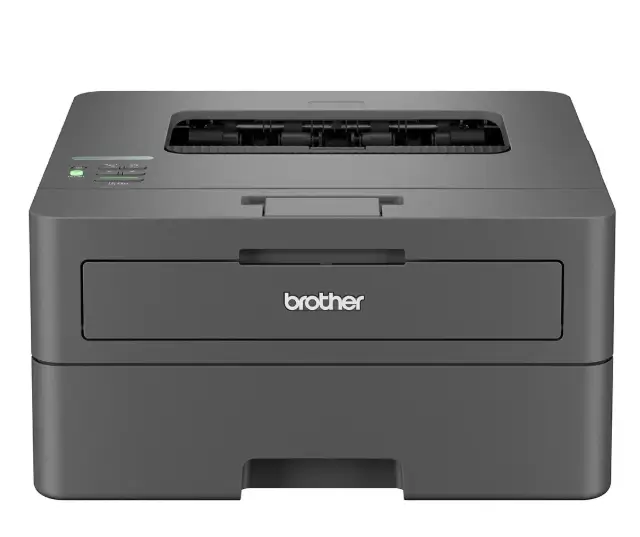
If the printer is for home use and designed as a plug-and-play unit, doing the setup yourself is usually fine. Home printers are built with simplicity in mind. They are generally intended for one user, connect easily via Wi-Fi or USB, and don’t require any advanced configuration. In this situation, DIY installation is practical, cost-effective, and often completed within minutes.
For basic printing and scanning at home, there is usually no need to involve a technician, as long as everything connects as expected.
Office Printer Installation Is a Different Situation
Office environments change everything. Once a printer needs to be shared across multiple users, connected to a server, or integrated into a business network, setup becomes far more complex. Office printers are not just standalone devices; they are part of an entire workflow.
Incorrect installation at this stage can cause issues that may not appear immediately. Printing might work on day one, but scanning, permissions, security settings, or reliability problems often surface later, creating ongoing frustration for staff.
Why Experience Matters in Office Setups
An experienced technician understands how printers interact with networks, servers, and user permissions. Proper installation ensures the printer is configured correctly from the start, including secure access, reliable scanning functions, and stable performance across all connected devices.
This experience saves time not only during installation, but also in the long run. When a printer is set up properly, businesses avoid repeated troubleshooting, unnecessary downtime, and future call-outs to fix issues that could have been prevented.
Saving Time Now vs Avoiding Hassle Later
DIY office setups often begin with the idea of saving time or money. In reality, they can lead to ongoing issues such as connection dropouts, users printing to the wrong queues, or features that never work quite right. These small problems add up, especially in busy offices where printing is part of daily operations.
Having the printer installed properly from the start helps avoid these hassles and allows staff to focus on their work instead of trying to fix technical problems.
A Simple Way to Decide
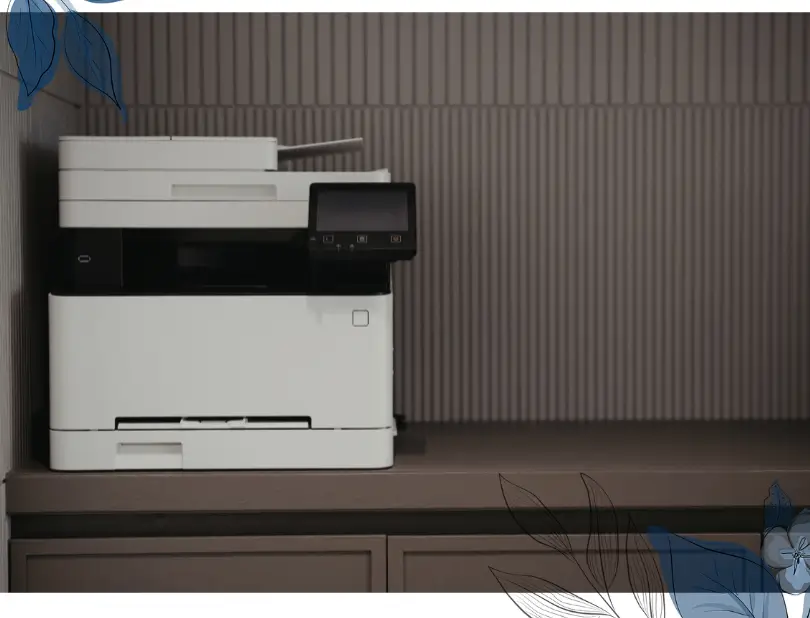
If the printer is for home use, designed to be plug and play, and intended for a single user, DIY installation is usually sufficient. However, if the printer is for an office environment and needs to connect to a server, support multiple users, or meet security requirements, professional installation is the smarter option.
In short, the more advanced the printer and the environment it operates in, the more valuable professional setup becomes.
Final Thoughts
Home printers are designed for convenience. Office printers are designed for productivity. Knowing the difference can save a lot of time and frustration.
If it’s a simple home printer, setting it up yourself makes sense. If it’s for an office, having someone experienced handle the installation can save time and help avoid problems down the track. Sometimes the best decision isn’t doing it yourself, but making sure it’s done properly the first time.
Not sure whether DIY or professional setup is right for your printer?
Our experienced team can help you get it right the first time. We handle printer sales, installation, configuration, and ongoing support — so your printer works properly from day one, without the hassle.
Talk to us