
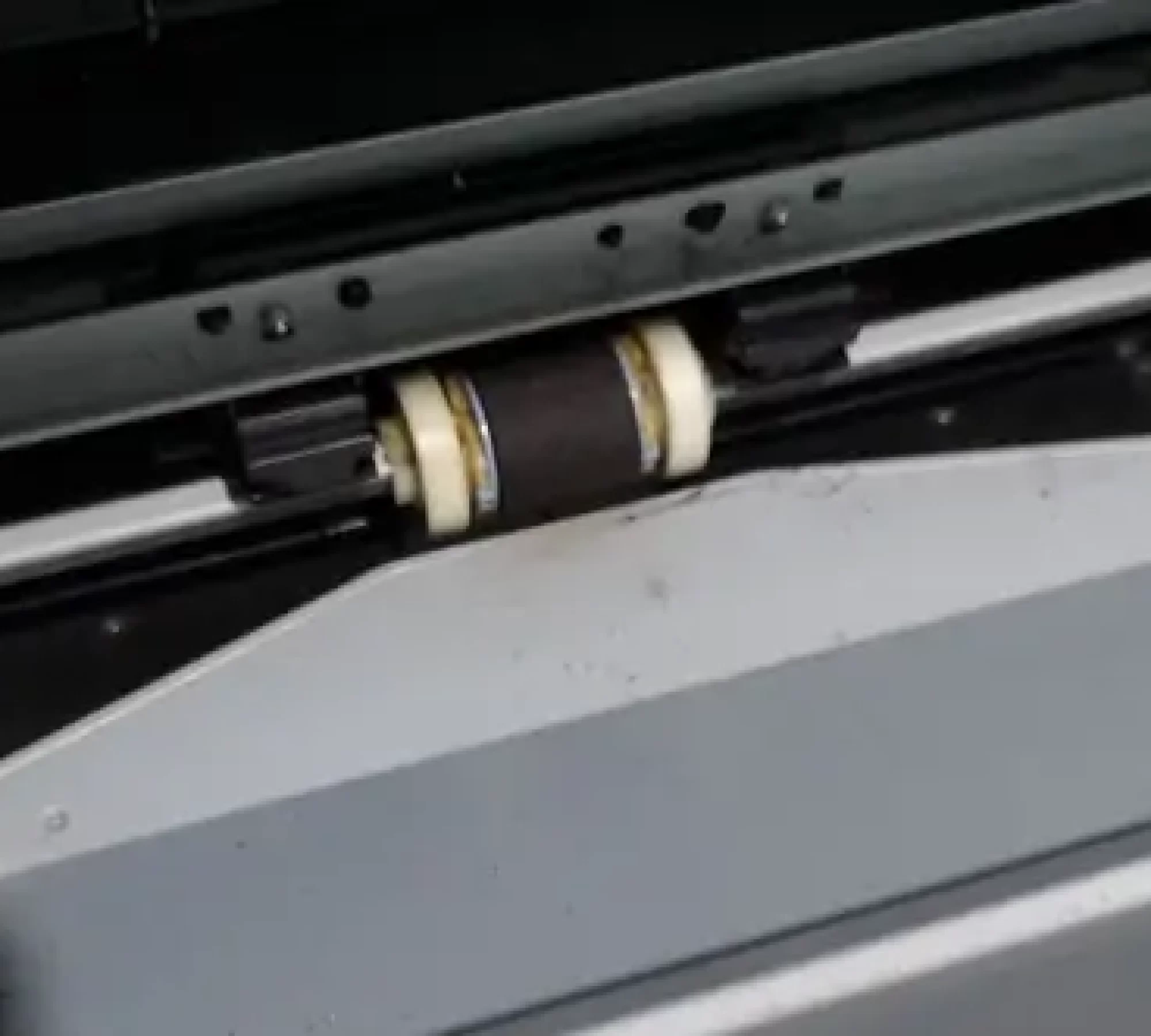
What Are Printer Rollers Anyway?
Printer rollers are the rubber cylinders inside your printer that pick up paper from the tray and guide it through the print path. Think of them as the “grip” of the printer — they pull each sheet in, hold it steady, and keep everything moving at just the right pace.
Different rollers handle different tasks, but they all share one goal: move your paper smoothly so your prints come out clean and straight.
How Printer Rollers Actually Work
The moment you hit Print, the pickup roller springs into action. It rotates, grabs a single sheet of paper, and feeds it inside. As the paper moves through the machine, other rollers keep it aligned and moving forward until the job is done.
But if one roller becomes dusty, worn, shiny, or stiff, the printer loses that smooth grip. That’s when the misfeeds, jams, and crooked prints start.
In other words:
Healthy rollers = smooth printing.
Worn rollers = frustrating printing.
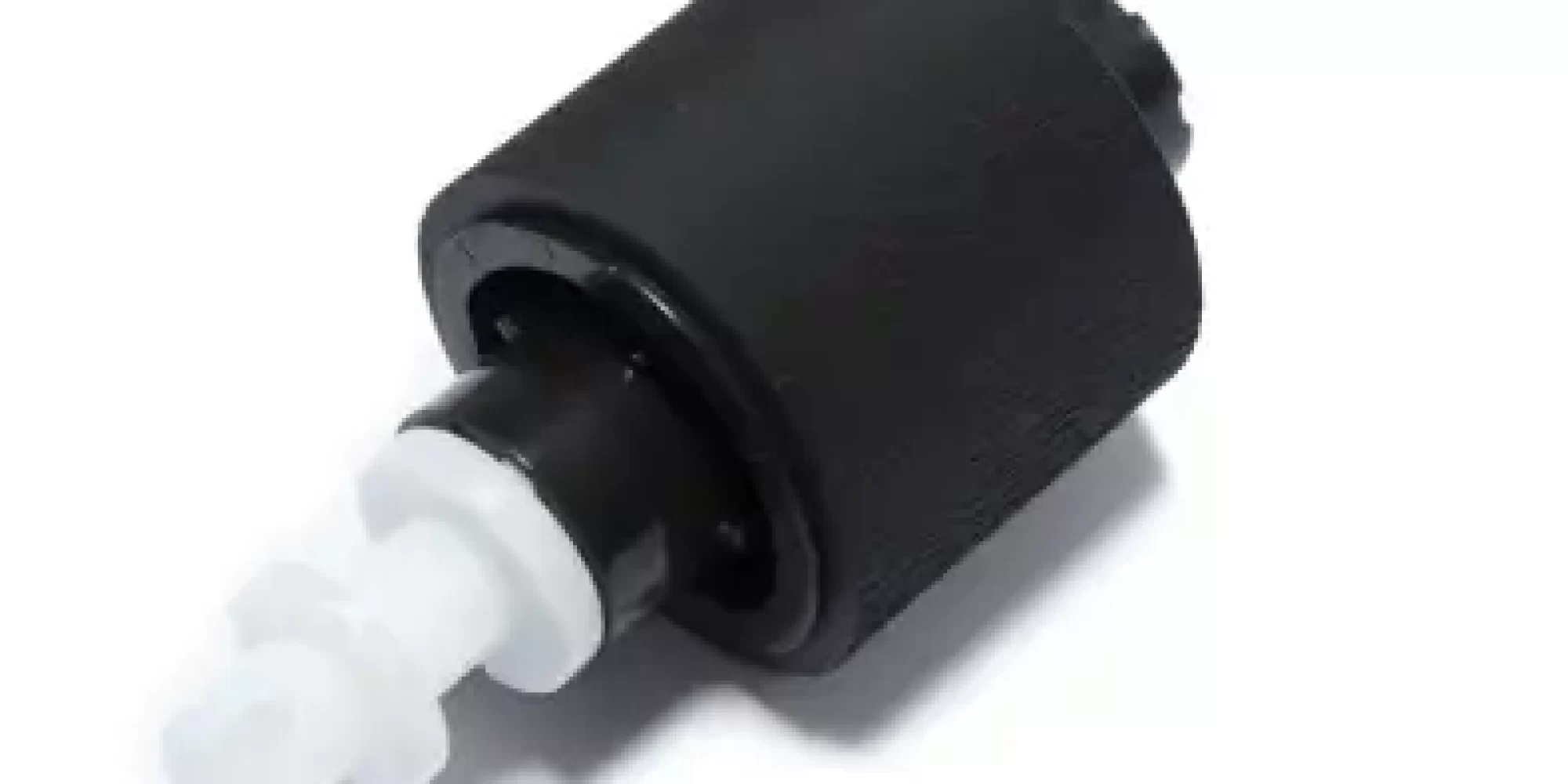
Signs Your Printer Rollers Need Attention
You don’t have to be techy to know when rollers are starting to fail. The most common signs include paper jams happening more often, sheets getting pulled in unevenly, the printer taking two pages at once, or the rollers themselves looking polished, cracked, or dry.
If your printer suddenly keeps saying “no paper” even when the tray is full, that’s another big clue.
Can You Clean Printer Rollers Yourself?
Yes — and it’s usually pretty straightforward. You can clean them with a lint-free cloth and a little water or isopropyl alcohol to remove dust, paper fibres, or toner residue. This often restores the grip for a while.
If the rollers feel smooth, slippery, or brittle, though, cleaning won’t fix the real issue. At that point, replacing them is the only way to restore proper feeding.
Why Printer Rollers Matter More Than You Think
Rollers determine how reliably paper travels through your machine. When they’re in good shape, prints come out sharp, straight, and consistent. When they’re not, even a brand-new printer can behave like it’s 20 years old.
Keeping rollers clean and replacing them when needed helps:
- reduce breakdowns
- avoid wasted paper
- improve print quality
- extend your printer’s lifespan
It is a small part with a bigger impact than most people realise.
Need Help With Printer Roller Repairs? Laserfast Has You Covered.
If your printer keeps jamming, feeding incorrectly, or struggling to pull paper, your rollers might be overdue for service. Laserfast provides quick, on-site roller cleaning and replacement for all major brands — HP, Brother, Lexmark, Kyocera, Canon, and more — anywhere in Australia.