
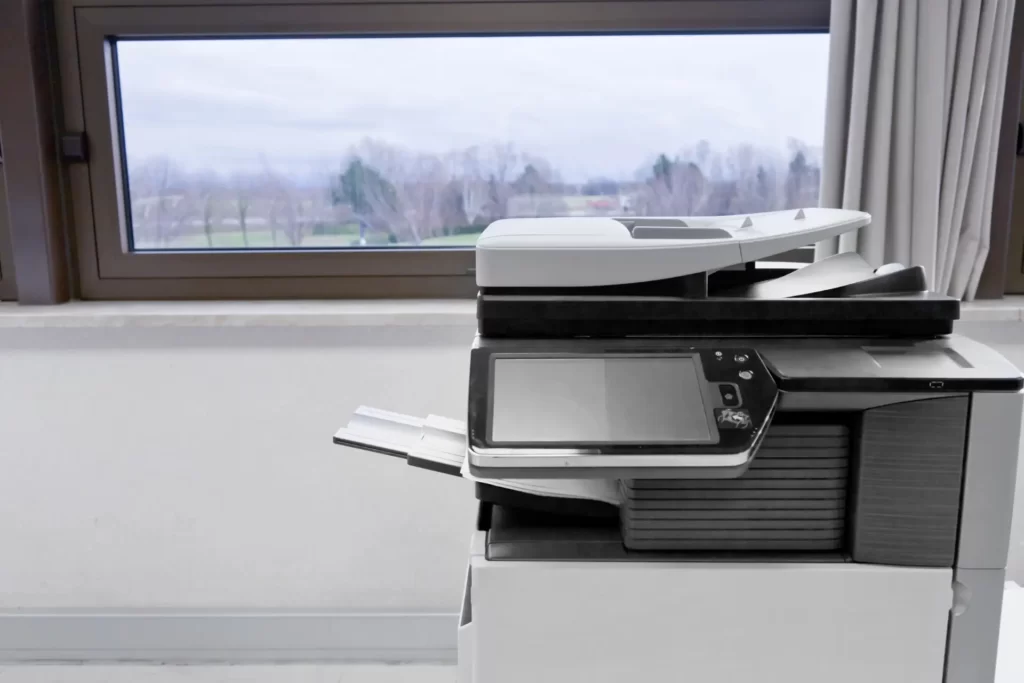
People often assume printer problems come from the machine itself, but a lot of issues actually start with the environment around it.
A printer can be perfectly fine mechanically, yet still struggle because of where it sits, how often it runs, and what kind of conditions it deals with every day. We’ve seen printers placed next to sunny windows, near warehouse doors, under air-conditioning vents, or in dusty office corners — and over time, those small things really do matter.
Sometimes the printer starts feeding paper badly. Sometimes colours fade unevenly. Sometimes random error messages appear, and there’s no obvious fault until you look at the environment it’s working in.
Dust Builds Up Faster Than Most Offices Realise
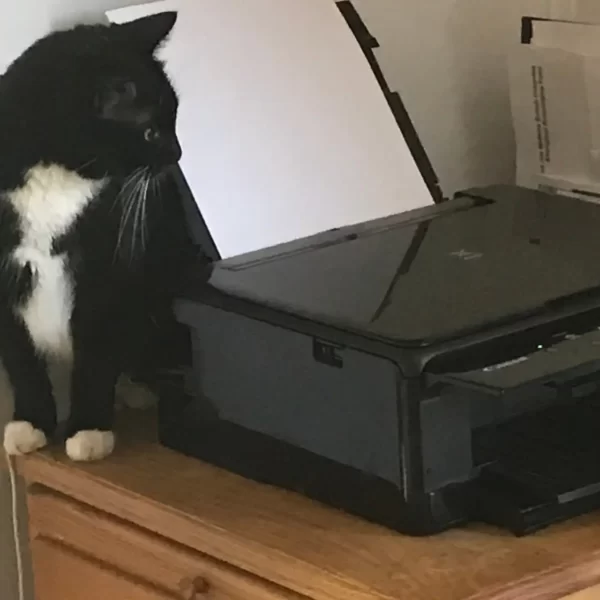
Dust is one of the most common hidden causes of printer issues, especially in busy workplaces where printers run daily.
Even if an office looks clean, fine dust from paper, carpet, open doors, or nearby storage areas slowly gets pulled into the printer through its cooling system and paper path. Over time, that dust settles on sensors, rollers, and internal components.
That’s when small issues begin — paper jams become more frequent, pages feed unevenly, and print quality starts to drop. In laser printers, dust can also affect toner transfer, which sometimes shows up as marks, streaks, or faded patches.
A printer doesn’t need to look dirty on the outside for dust to already be causing trouble inside.
Heat Can Change Printer Performance More Than You Think
Printers generate heat on their own, especially laser machines, but external heat adds pressure.
If a printer sits near direct sunlight, beside windows, or in an area with poor airflow, internal parts work harder than they should. Toner behaves differently under heat, paper absorbs moisture unevenly, and sensors can react inconsistently.
We’ve seen offices where printers work perfectly in the morning but start misfeeding paper in the afternoon simply because the room temperature changes during the day.
Heat also affects consumables. Paper stored in warm areas can curl slightly, which may not look obvious until feeding problems begin.
Air Conditioning and Humidity Also Play a Role
Office climate control sounds harmless, but printers notice it more than people do.
A machine placed directly under an air-conditioning vent often deals with sudden temperature shifts all day. That can affect paper movement and even static build-up inside the machine.
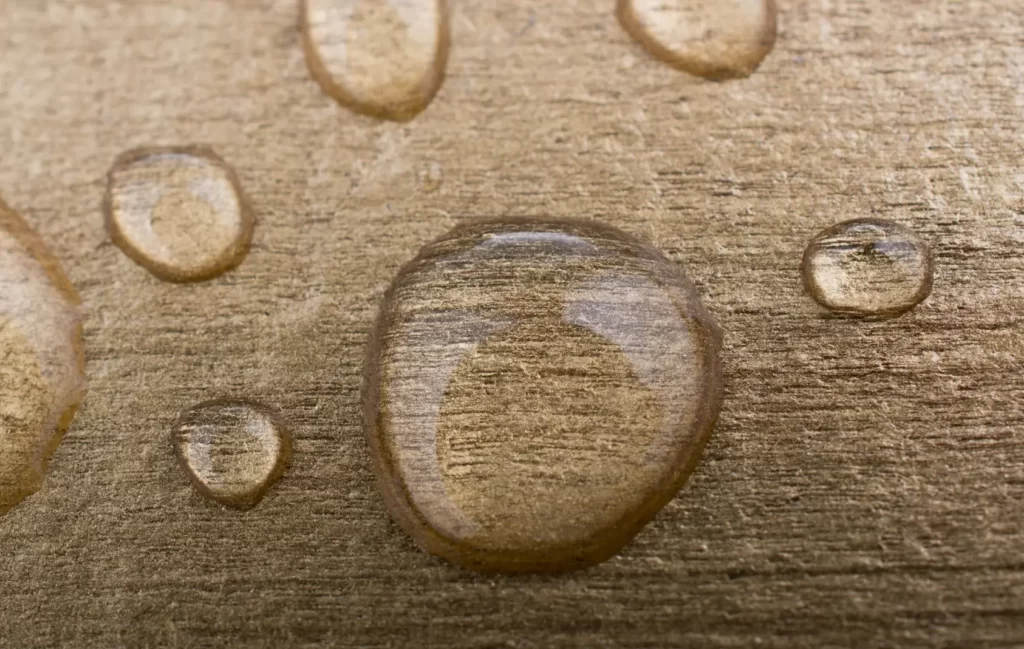
Humidity matters too. Too much moisture in paper can lead to curling, smudging, or inconsistent feeding, while air that is too dry can create static that causes sheets to stick together.
This is why two printers in the same office can behave differently depending on where they are positioned.
Placement Makes a Bigger Difference Than Expected
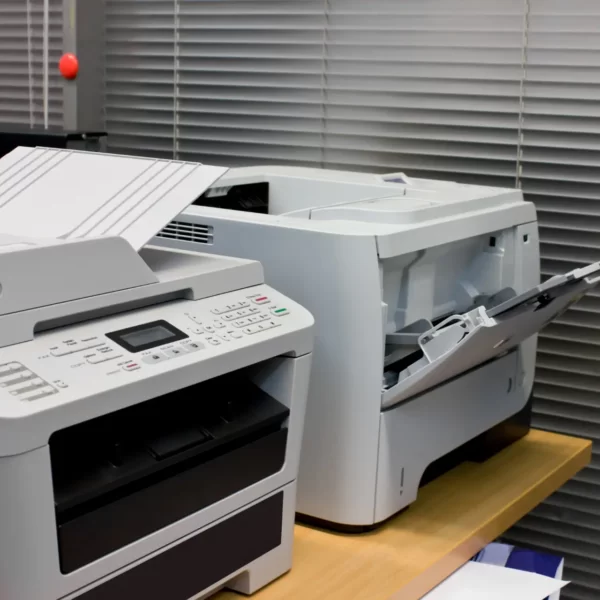
A printer pushed into a tight corner may save space, but poor ventilation can slowly affect reliability.
Machines need airflow, especially larger office printers that handle regular volume. If heat stays trapped around the device, components wear faster and performance can become inconsistent.
The same goes for placing printers near kitchens, open warehouse doors, or high-traffic areas where dust and temperature change constantly.
Good placement often prevents problems before servicing is even needed.
Small Environmental Changes Can Extend Printer Life
Sometimes simple changes help more than people expect.
Keeping paper sealed properly, avoiding direct sunlight, allowing ventilation space, and scheduling basic cleaning can make a noticeable difference over time.
A printer used every day is constantly reacting to its surroundings, so small environmental improvements often lead to fewer breakdowns and more stable performance.
Final Thought
Printers don’t only respond to what gets printed — they respond to where they live.
Dust, heat, airflow, and office layout all affect reliability, often more than most businesses realise. Understanding that early can prevent recurring faults and help machines last longer without unnecessary repairs.