
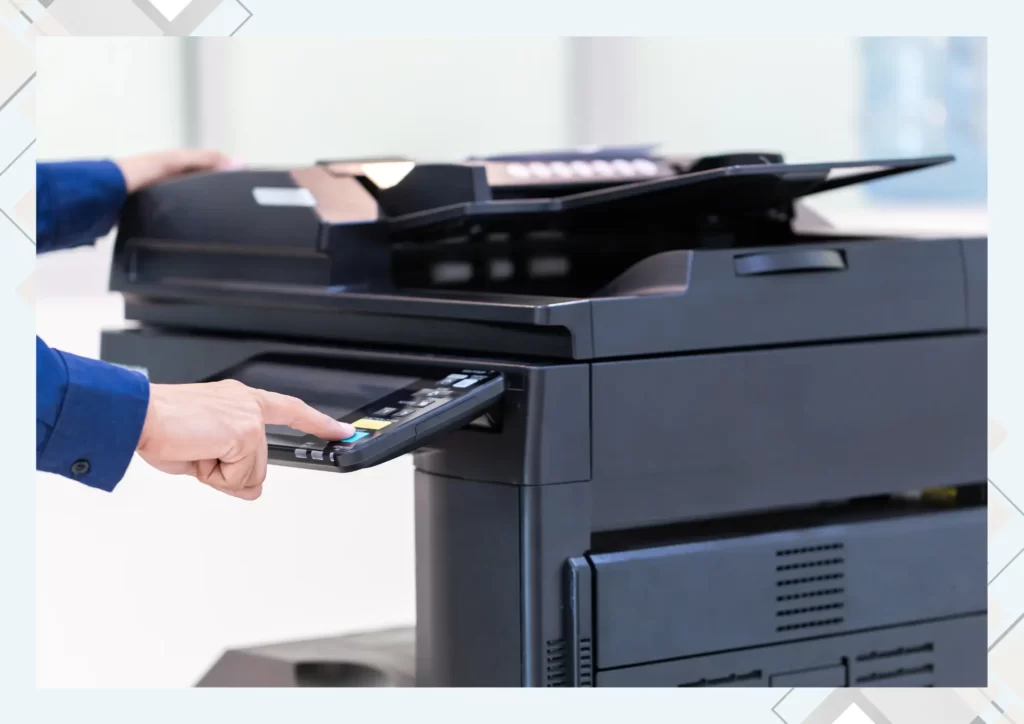
There was a time when office photocopiers were just… there. Big machine in the corner, usually noisy, occasionally moody, and mostly noticed when something jammed.
That’s changed a lot.
Modern photocopiers have quietly become one of those office tools people rely on more than they realise. They’re faster, smarter, cleaner, and honestly much less dramatic than older machines. And if you’ve worked in an office long enough, you can feel the difference immediately when a good machine is installed.
It’s not just about making copies anymore — it’s about how smoothly work moves when the right device is doing its job properly.
Better Print Quality Means Better First Impressions
One thing modern photocopiers do really well is consistency. Text looks sharper, colours come out cleaner, and documents simply look more professional.
That matters more than people think. Whether it’s a proposal, internal report, presentation, or client handout, print quality quietly shapes how a business is perceived. A faded printout or uneven colour can make even good work feel rushed.
Today’s machines handle high-resolution output far better than older models, which means documents look polished without needing a second thought.
Speed Changes the Mood in an Office
There’s a noticeable difference between waiting around a printer and just walking up, collecting your pages, and moving on.
Modern photocopiers are built for that kind of efficiency. They warm up faster, process jobs quicker, and keep up even when multiple people are printing at once.
In busy offices, that speed affects more than productivity — it changes how people work. Fewer delays means less frustration, fewer interruptions, and less crowding around one machine wondering why it stopped again.
Scanning Is Now Part of the Workflow, Not an Extra Step
One thing that stands out with newer photocopiers is how naturally scanning fits into daily office work now.
Instead of emailing yourself a file from a separate scanner or dealing with awkward USB transfers, documents can go straight to email, folders, cloud storage, or shared systems in seconds.
That small shift saves more time than most people realise, especially in offices handling contracts, forms, or signed paperwork every day.
Modern Machines Are Smarter Than They Look
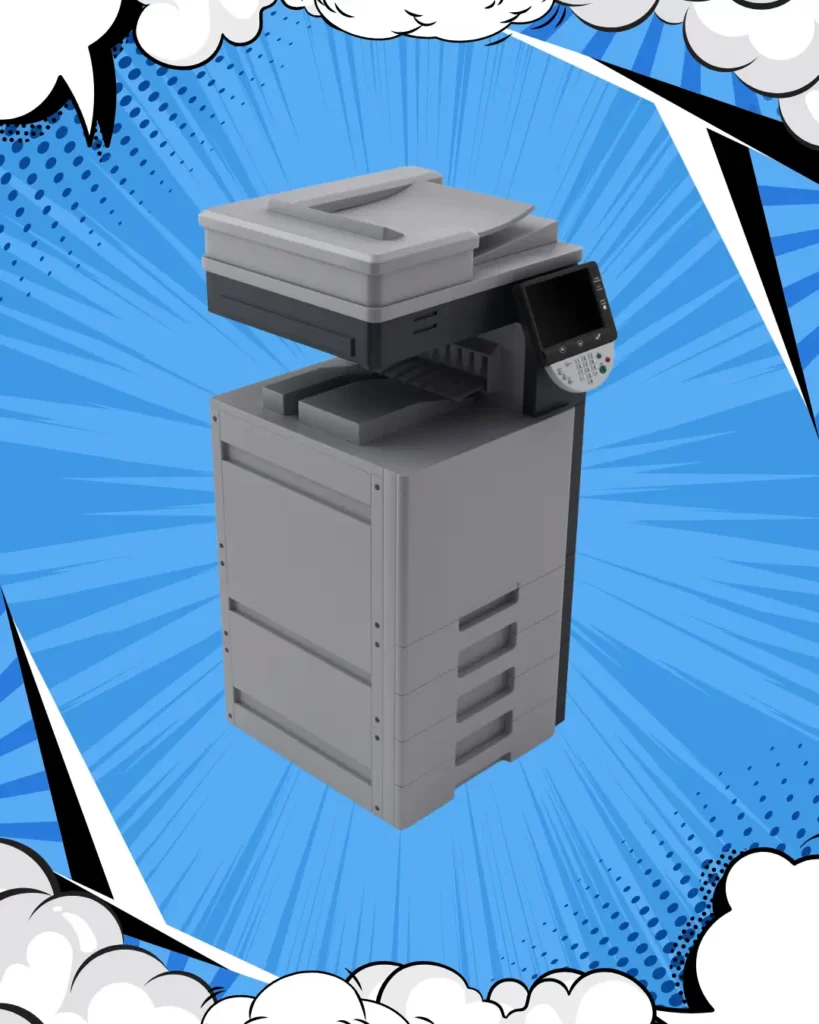
A lot of current photocopiers now come with touchscreen interfaces that feel more like using a tablet than operating old office equipment.
Some machines even learn common tasks over time. If a team regularly scans to the same folder or prints in a certain format, the system starts making those actions quicker to access.
It sounds small, but in real office use, these little shortcuts make daily tasks feel smoother without anyone having to think about it.
Less Downtime, Less Office Drama
Anyone who has dealt with an older photocopier knows how quickly one machine problem can become everyone’s problem.
Paper jams, feeding errors, random error messages — they interrupt the day more than expected.
Modern photocopiers are simply better built to reduce that. Better sensors, better paper handling, and more reliable components mean fewer interruptions and more predictable performance.
And honestly, fewer people standing around saying, “It was working five minutes ago.”
Office Quality Is Also About How Work Feels
Sometimes improving office quality isn’t about adding more software or changing systems. Sometimes it’s as simple as replacing a machine that quietly causes friction every day.
When printing is fast, scanning is easy, and documents come out looking right, the whole office feels a little more organised.
A modern photocopier won’t solve every workplace issue — but it definitely removes one common source of daily frustration.
Final Thought
Photocopiers used to be basic office hardware. Now they’re part of how offices stay efficient, professional, and connected.
When the right machine is in place, people stop thinking about printing problems and just get on with work — which is exactly how it should be.