
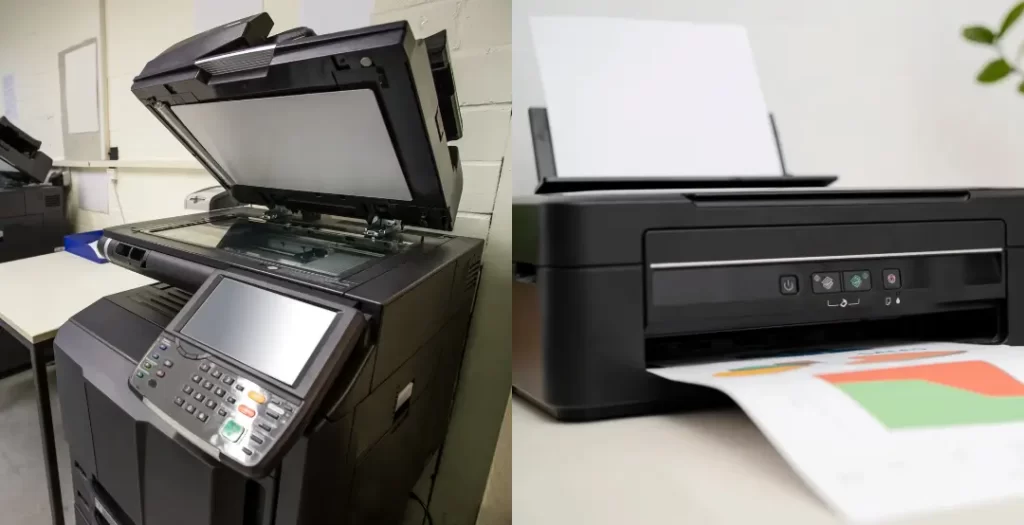
If you’ve ever heard someone say, “Just send it to the photocopier,” when they really mean the printer — welcome to office life. These two get mixed up all the time, even though they’re not actually the same thing.
So what is the difference between a photocopier and a printer, and which one should your office be using? Let’s clear it up without turning this into a tech lecture.
The Original Difference (Before Offices Got Fancy)
At the most basic level, a photocopy machine makes duplicate copies of a physical document without being connected to a computer network. You place the paper on the glass, press a button, and out comes a copy.
A printer, on the other hand, allows a user to send documents from a computer or network to be printed on the device. No original paper required — everything starts digitally.
That’s the classic difference. Simple. Clear. But modern offices don’t stop there.
Why Offices Still Call Everything a “Photocopier”
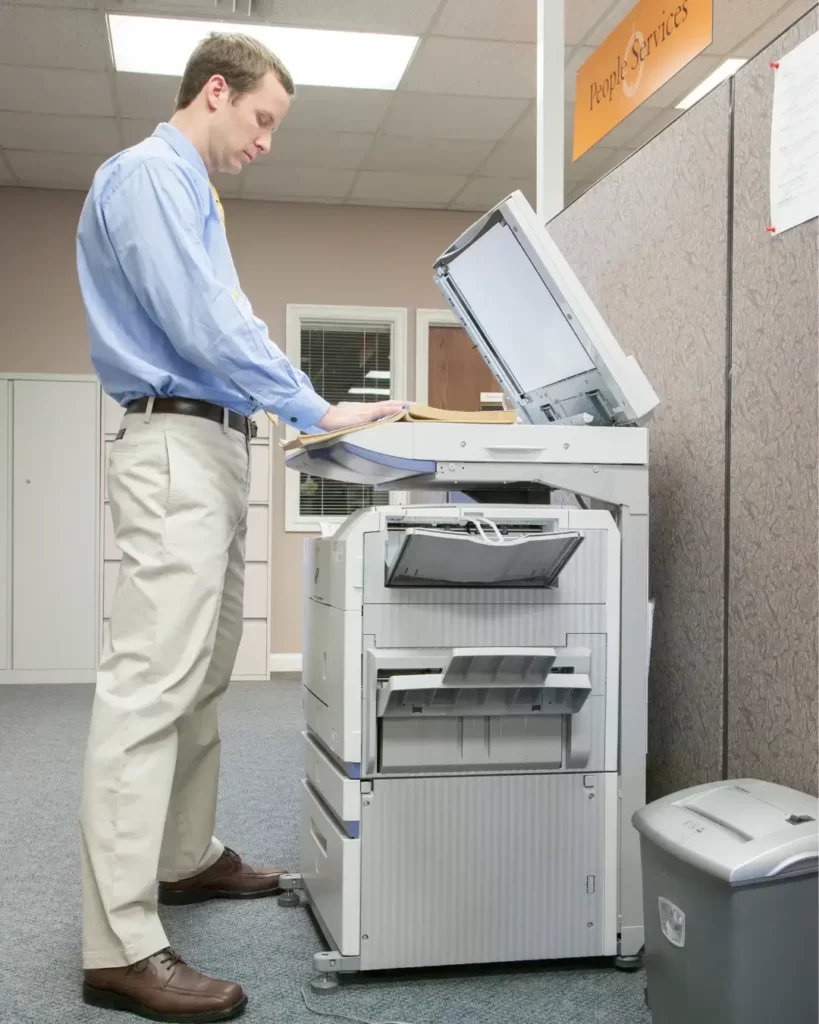
In today’s offices, most so-called photocopiers are actually multifunction printers. They print from computers, copy physical documents, scan to email or folders, and sometimes even staple or create booklets.
The name stuck, even though the machines evolved. When people say “photocopier,” they usually mean a large office device designed to handle high volume, shared use, and multiple document tasks.
What Printers Are Best Suited For
Printers are ideal for lighter workloads. They’re compact, affordable, and perfect for small teams or offices that only print occasionally. If most documents come from emails or cloud systems and printing isn’t constant, a printer can handle the job just fine.
However, printers are not built to handle continuous demand from multiple users. Once print queues pile up, speed drops and frustration rises.
Where Photocopiers Really Shine
Photocopiers are built for busy offices where documents move constantly. They handle higher print volumes, faster output, larger paper sizes, and more complex tasks without slowing down.
If your office regularly prints reports, contracts, presentations, or client documents, a photocopier keeps workflows moving. It’s less about convenience and more about keeping up with demand.
Network Printing Changed Everything
This is where the modern gap widens. While traditional photocopiers worked without any network connection, today’s office devices are deeply connected to business systems. Network printing, secure access, scanning to cloud platforms, and user permissions have turned printers and photocopiers into full workflow tools.
In most offices now, the decision isn’t really photocopier versus printer — it’s light-duty printer versus business-grade multifunction device.
So, Which One Should Your Office Choose?
If your office prints occasionally and mostly works digitally, a printer will do the job. If printing, copying, and scanning are part of daily operations — especially across multiple users — a photocopier or multifunction printer is the better choice.
The key difference isn’t just what the machine can do, but how often your office needs it to perform.
Final Take
A photocopier was originally built to copy paper. A printer was built to print from a computer. Modern office machines now do both — and much more.
Understanding this difference helps offices avoid buying a device that struggles under real workloads. The right choice keeps work flowing, reduces downtime, and saves money in the long run.
It’s funny how the term ‘photocopier’ still sticks around even though most office machines do so much more than just copy. I’ve seen teams get confused about whether they need to use the scanner or the printer function, so it’s great to have a clear breakdown of what each one actually does. The evolution from basic copy machines to multifunction devices really shows how much office tech has changed over the years.
It’s funny how the term ‘photocopier’ has become the catch-all for any machine that puts ink on paper, even when most offices are really using multifunction devices. We actually ran into this exact issue when we upgraded our hardware; half the team didn’t realize the new ‘copier’ also had advanced scanning capabilities because they were stuck using the old terminology.
Thanks for your comment—that’s a great observation. You’re absolutely right, the term “photocopier” has stuck around even as devices have evolved into multifunction systems. It’s a common situation, and we often see users discovering new features only after an upgrade.